
 Burrito bowl
 Cooked pesto pasta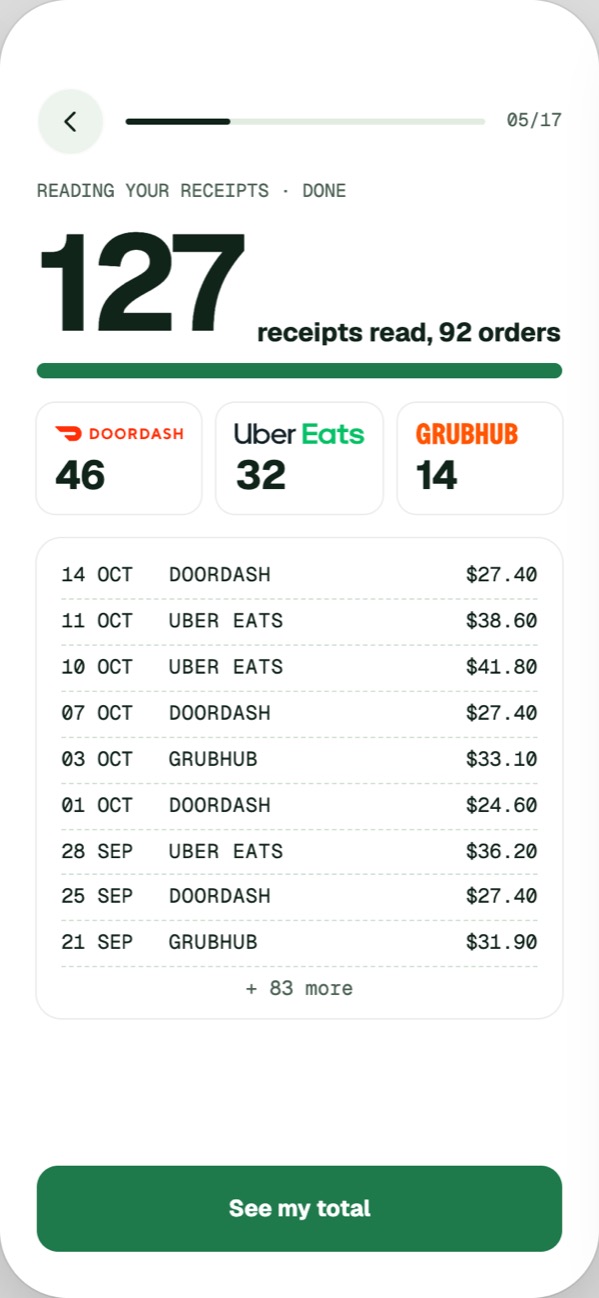
Goals
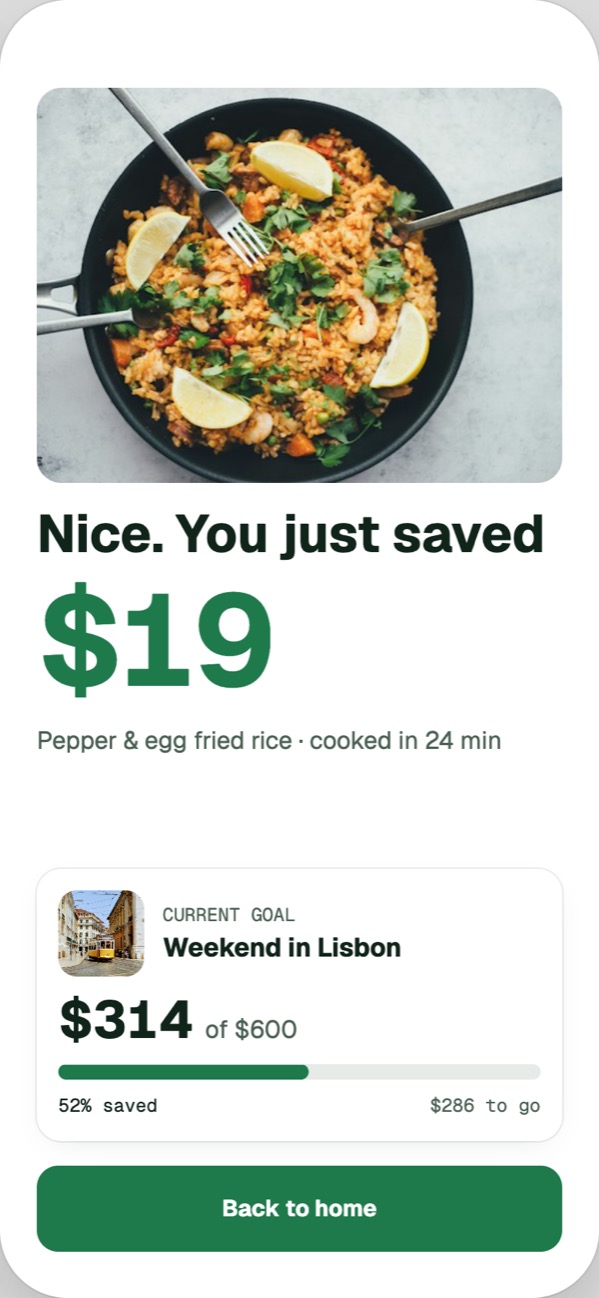
Pick what cooking pays for: a trip, AirPods, a rainy-day fund. The savings go to the top goal first.
Every DoorDash, Uber Eats and Grubhub order from your Gmail, in one honest total. Then a nudge to cook the next one.
 Chicken stir-fry $27.40
 Pad thai $38.60Sushi $41.80
Delivery isn't the problem. Not seeing what it costs is. TakeoutTab shows you the number, then makes the next dinner at home the easy choice.
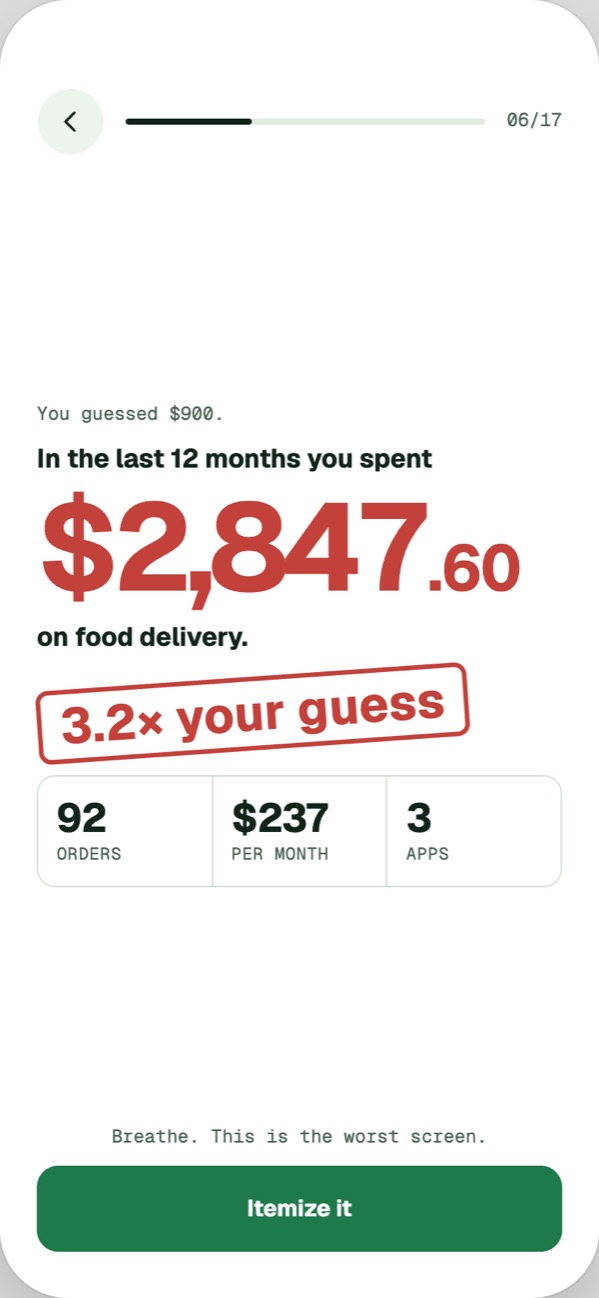
92 orders across DoorDash, Uber Eats and Grubhub. The app asks you to guess first, then shows you the real number from your own receipts.
Read-only access. TakeoutTab reads your delivery receipts and counts every order, app by app.
Guess first, then see the total for the last 12 months, itemized down to the fees.
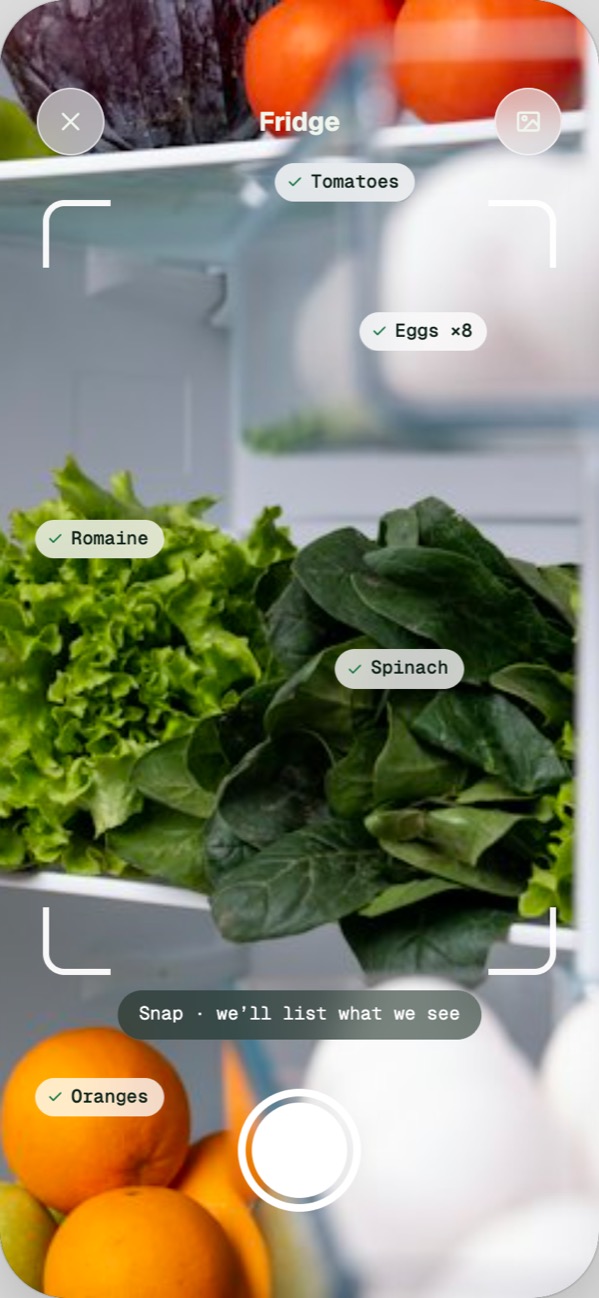
Point the camera at the shelves and it lists what it sees as you go.
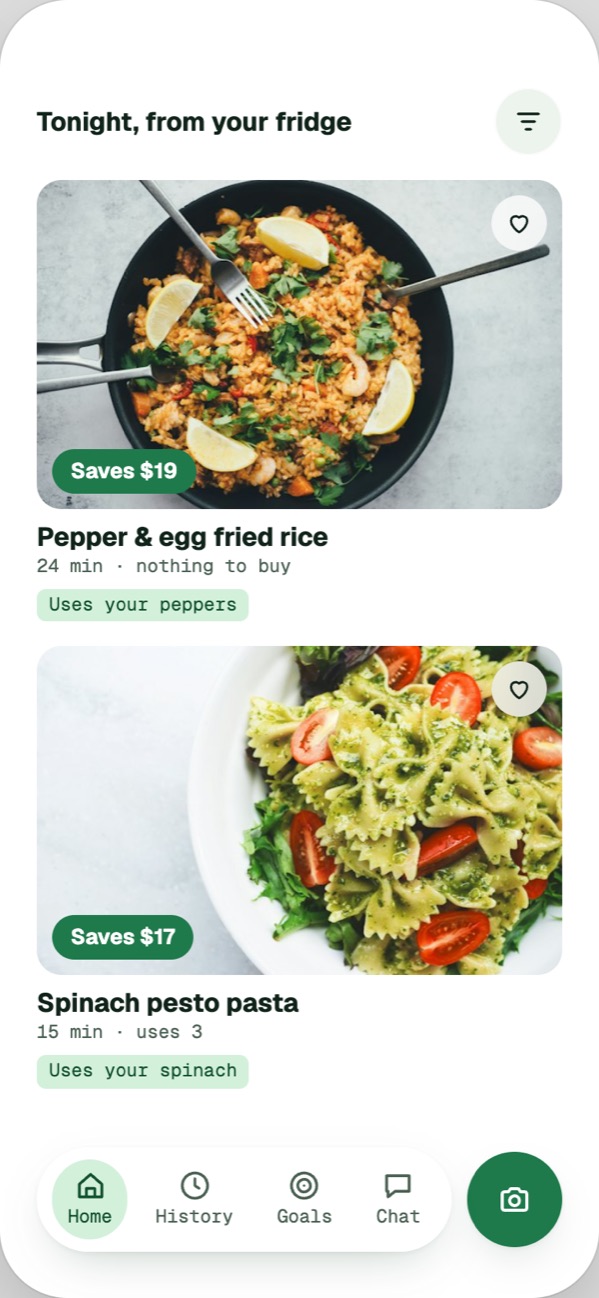
Recipes from what you have, each showing what it saves against your usual order.
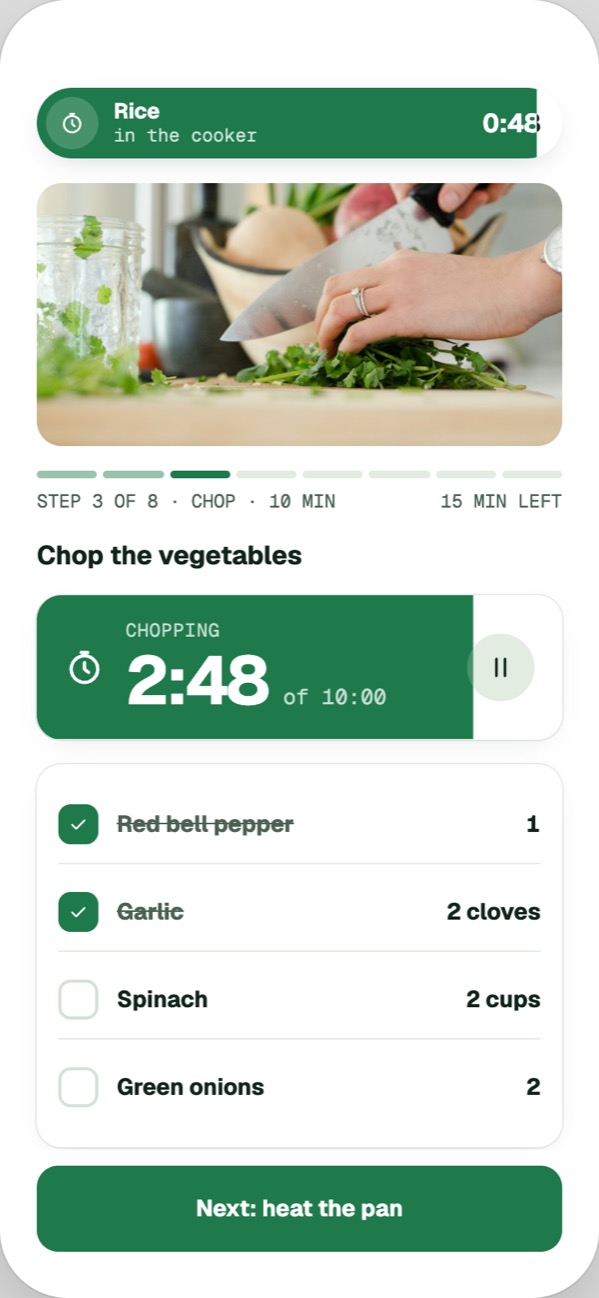
Step by step, with timers that fill as they run. The rice keeps going in the background while you chop.
Every dinner you cook is measured against your usual order, and the difference goes toward a goal.
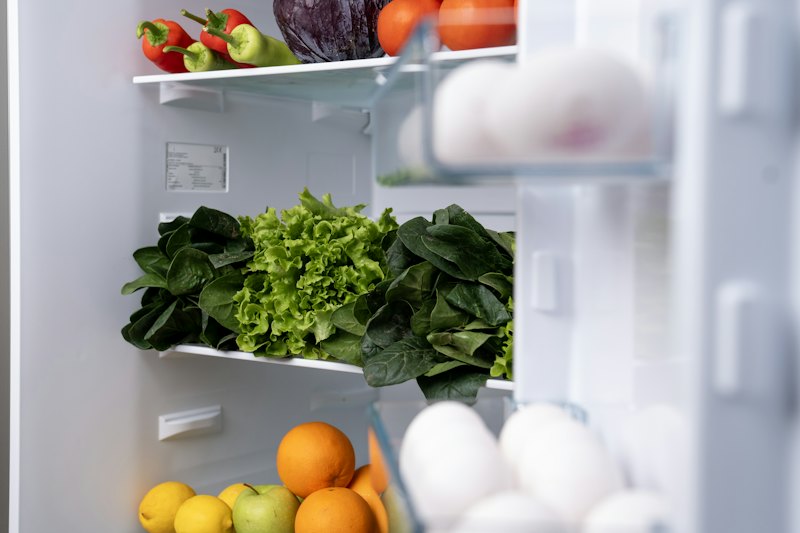
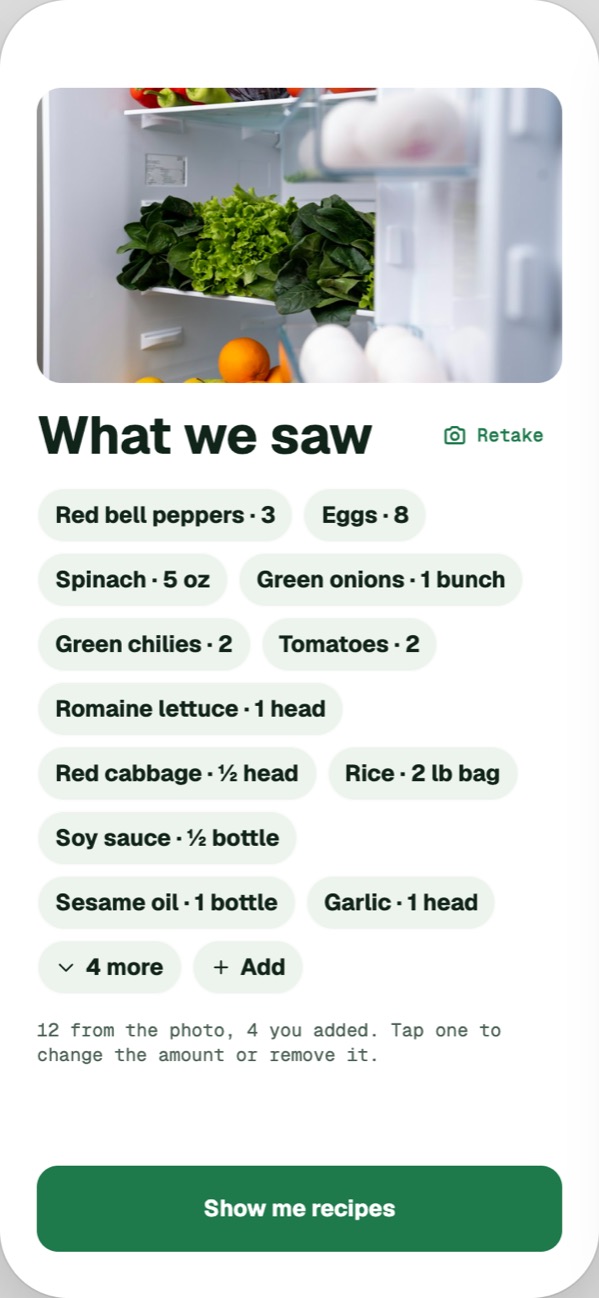
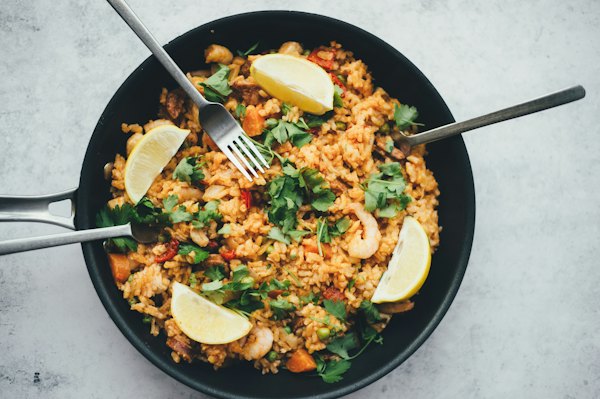
No shopping list, no meal plan. Snap the fridge and get recipes like the dishes you usually order, priced against what you'd pay for delivery.
Pick what cooking pays for: a trip, AirPods, a rainy-day fund. The savings go to the top goal first.
Open a delivery app and your tab shows up first: what you've paid, and whether you want to give them another $20.
"What did I spend on sushi this year?" Ask in plain words and get a straight answer.
When a receipt lands you see what it cost and what cooking would have cost. Then a fridge check before dinner.
Here's exactly what TakeoutTab can touch in your Gmail, printed like the receipts it reads.
TakeoutTab is coming to iPhone. Leave your email or phone number and we'll tell you the day it's out.
We'll only use it to tell you when TakeoutTab launches.